
 Help Centre
Key Release: November 2026
Release date | 02/11/2026 | Change impact | Medium |
|---|
At a glance
Doc Hub: a cleaner look, a simpler upload, a guided up-issue process and clearer settings.
Work Hub: tasks and boards that work the same way everywhere, with groups, roles and unassigned work.
Suppliers and registers: easier ways to capture supplier data and send forms to people outside your company.
Fixes: a range of smaller improvements and bug fixes.
How this effects you
The main change will be for those who are actively using doc hub, and use the up-issue system. While the overall up-issue system is the same, how it looks has evolved to make it more user friendly.
The work hub changes are minor, mainly improved visuals when raising a task, and building templates.
Doc Hub
A fresh, consistent look
Every Doc Hub page now follows the Q-Hub design: the same headers, buttons, labels and tables throughout.
Each document has one tidy "More options" menu. Actions are grouped together, with Archive and Delete always last.
Dates are shown as DD/MM/YYYY and every setting has a short explanation.
New Doc Hub home page
See document changes by month, reviews completed and document statuses at a glance.
Jump back into recently viewed documents.
Areas and the document panel
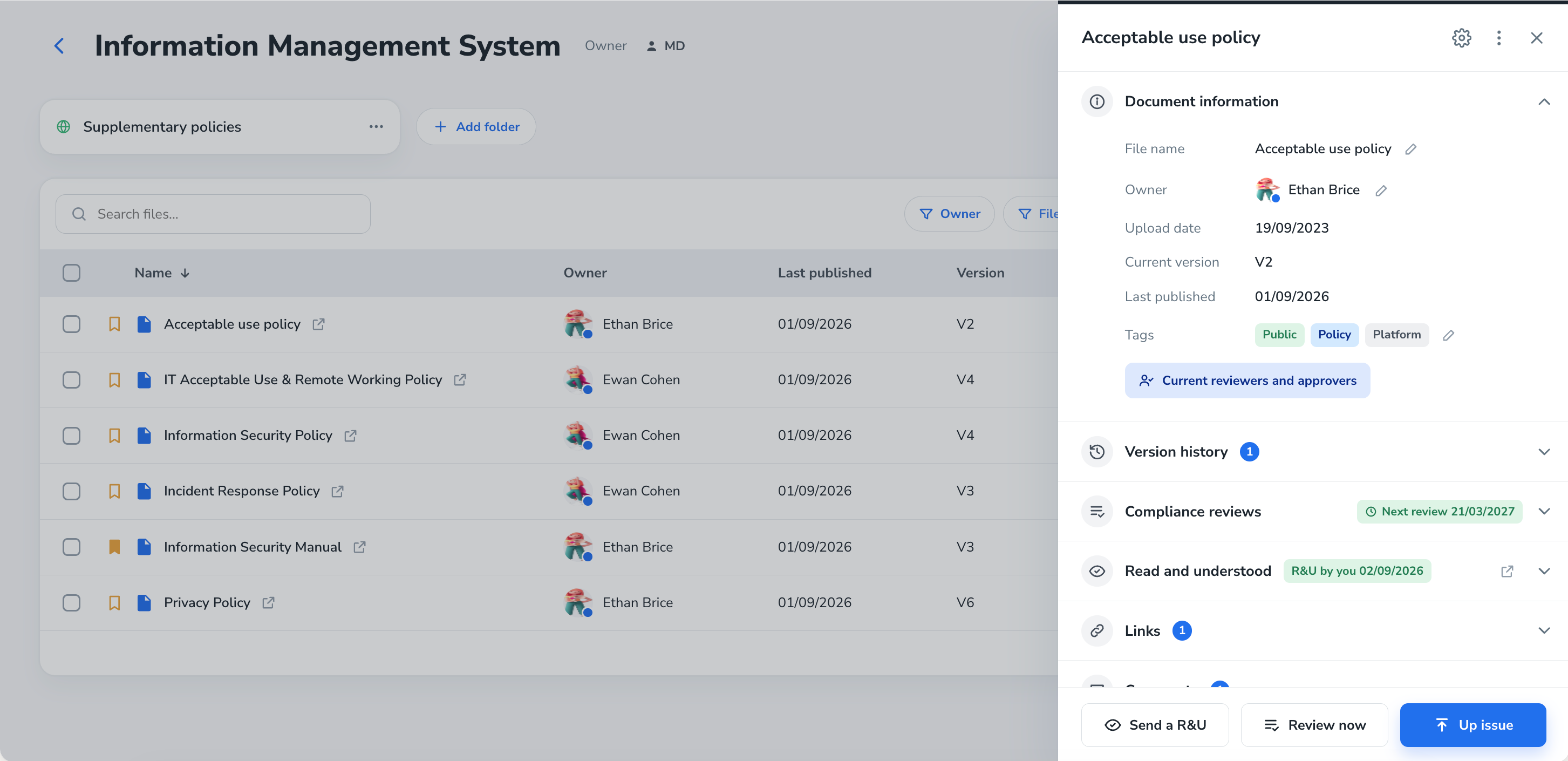
Areas are grouped and sortable, and each area shows its owner.
Click any document to open a side panel with its details, version history, compliance reviews, Read and Understood status and comments.
Simpler uploads
Drag and drop files, or browse, and rename them as you go.
Choose Controlled or Normal for each file, or set them all at once.
You can switch area without closing the upload window.
The Add documents button only unlocks when every file has finished uploading and has a name.
A guided up-issue process
Start an up-issue from the document. The new version is a draft and the current version stays live.
Add details: the reason for the change, the key changes and who will edit.
Edit by uploading a new version, downloading the file or editing in Word for the web.
Review and approve. Reviewers can approve, send it back with a comment, or make changes themselves.
Complete any required actions, such as a change impact form.
Publish. The new version replaces the old one and the old version moves to the document history. You can cancel at any time and the live version is untouched.
Clearer settings
Area settings are now one page with clear sections: access, general, permissions, review and approval rules, up-issue, Read and Understood, archive and export. You can also rename or delete an area.
Controls that used to be company-wide now sit with each area, so each area can have its own rules for downloading and printing, uploading, controlled-by-default, up-issue actions and notifications.
Read and Understood and notifications can be set for users, groups or roles.
Doc Hub settings are grouped and explained in plain language, including naming conventions, prefixes, tags, PDF downloads, Q-Doc defaults and a history of replaced files.
Optional AI summary of changes during up-issue. This uses AI credits and can be turned on or off in settings.
Work Hub
Tasks and work items
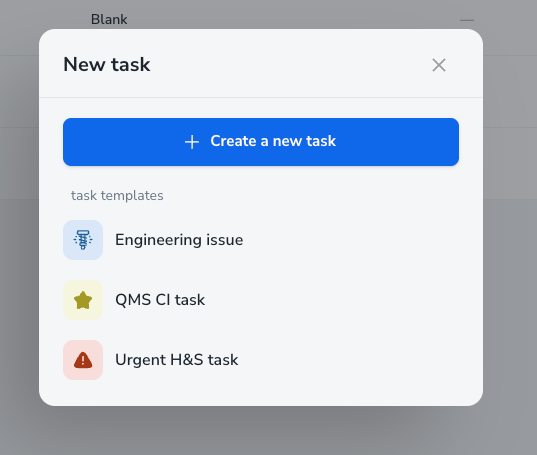
Clearer work items: every item now has a type and a feature, plus a parent where it belongs. Tasks created from a document up-issue show that document as their parent.
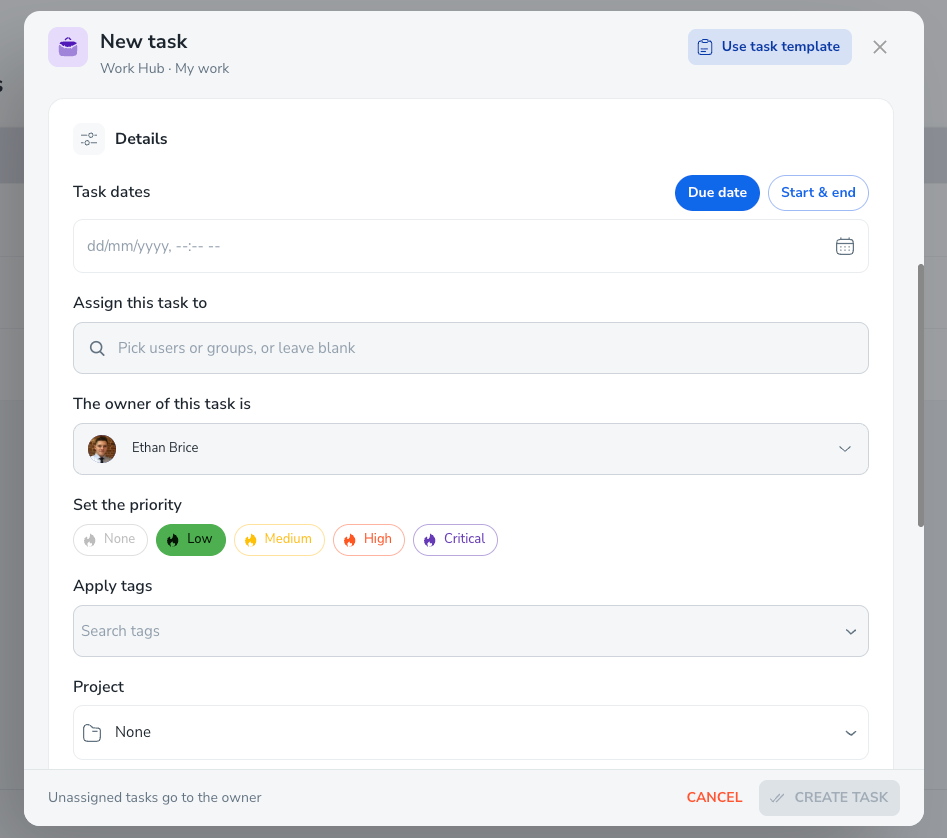
Start dates: all tasks can now have a start date.
Unassigned work: tasks can be left unassigned, then picked up by the right person.
Groups and roles: assign work to a group or role as well as to individuals. Group and role labels show avatars of the people in them.
Portal tasks: tasks can now be marked for the portal.
Admins can manage tasks: admins can manage all tasks, including clearing out obsolete ones.
Better layout: redesigned task, form and process information windows, improved comments, and a simpler way to choose people.
Boards
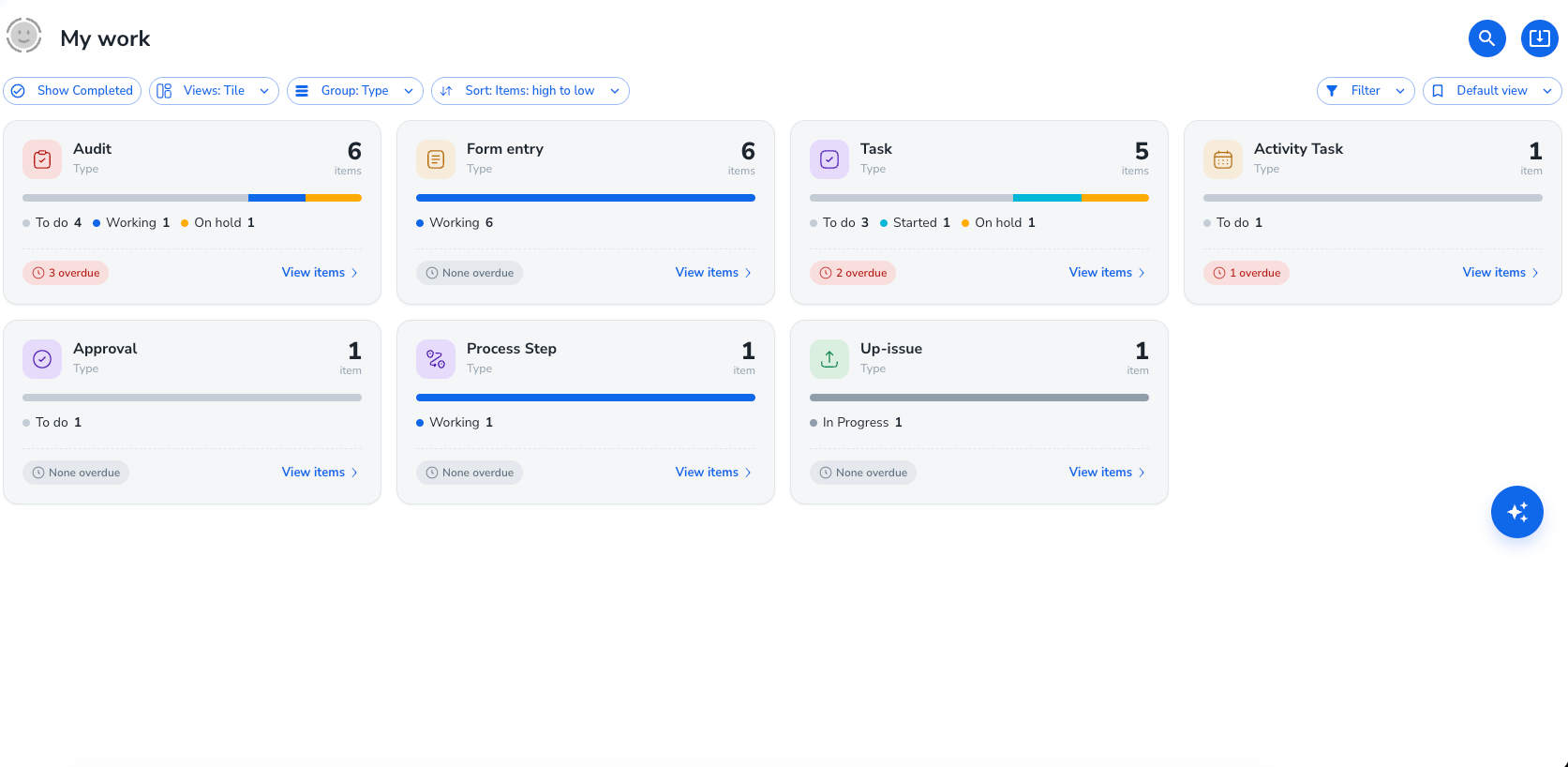
New task boards, in a style similar to Jira.
Boards are available in the portal and can be added to your dashboards.
Group and filter your task table, and show the description as a column.
Suppliers and registers
Capture supplier data through the open API by adding register data.
Map people fields from a process or form into a register, and use people columns in register automations.
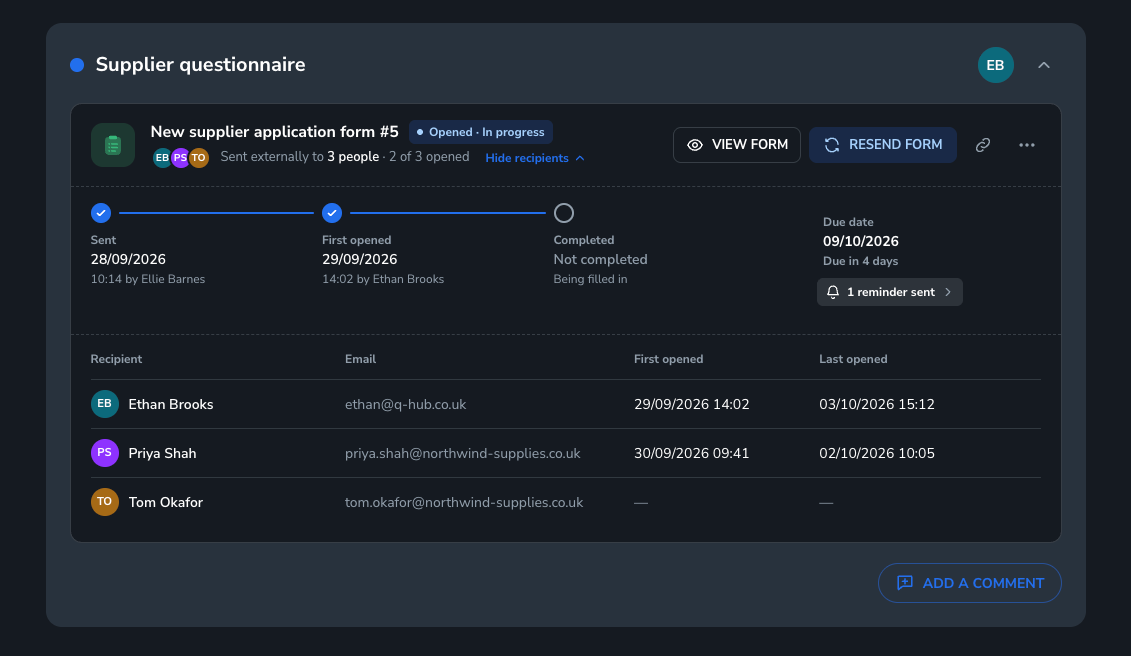
Improved form steps, including sending forms to external users and getting them approved.
Fixes and smaller improvements
Deleted entries no longer appear on task boards.
Calibration tasks now map to the correct assets.
Fixed an issue where booking out an asset could fail.
Audit templates now show the correct number of requirements, and a one-day audit shows as one day on the schedule.
Fixed an issue where Doc Hub PDFs could fail on certain text styles.
Form finished notifications now include co-owners.
Required assignees and due dates from a task template can no longer be cleared after the task is sent.
Searching data sets now works with special characters.
Hiding and showing fields in process steps works as expected.
Tidied dialogs that scrolled twice or cut off content.
Keep an eye out HERE for more update information.